



Essential 3D Printer Accessories Every Business Should Have
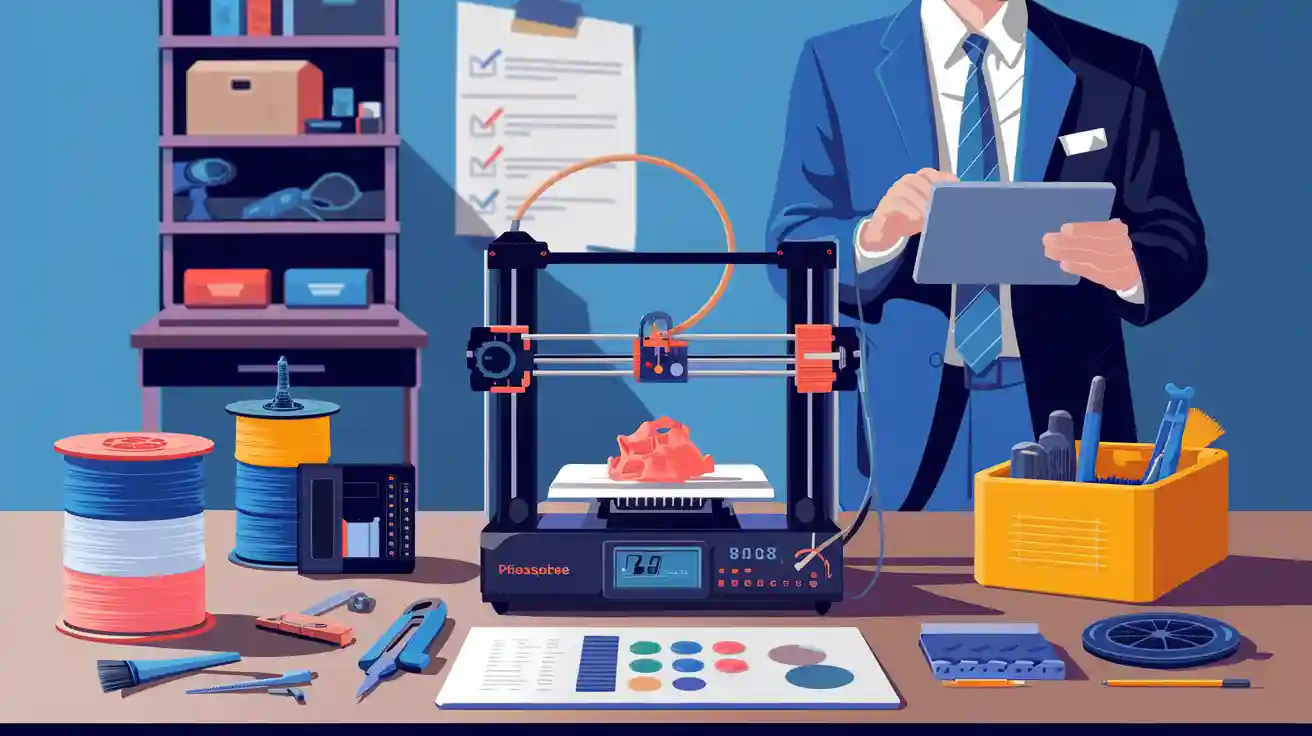
You need good 3D Printer Accessories to stop wasted time. These tools help make prints better and keep your machines safe. The right tools help your business avoid big problems. They also help you keep working without stopping. Think about how stopping work can hurt your business:
|
Source |
Statistic |
|---|---|
|
McKinsey & Company (2015) |
Unplanned downtime costs $50 billion each year in the U.S. |
|
Deloitte (2018) |
Average industry loss is $260,000 for every hour |
|
Predictive Maintenance |
Service costs drop 10–30%, downtime can fall by up to 50% |
Smart accessory choices help you work better, trust your machines, and save money over time.
Key Takeaways
- Buying good 3D printer accessories helps stop long breaks. This also saves money for your business. If your printer stops working, it can cost a lot.
- Storing filament the right way is very important. Use dry boxes and airtight containers. This keeps filament safe from water and heat.
- Doing regular maintenance stops big repairs. Keep extra parts ready to use. Maintenance kits help printers work well.
- Calibration tools help make prints correct. Calibrating often stops mistakes. It also makes prints look better.
- Safety equipment is very important. Give your team the right gear. Make sure the workspace has good air flow.
Must-Have 3D Printer Accessories
Filament Storage
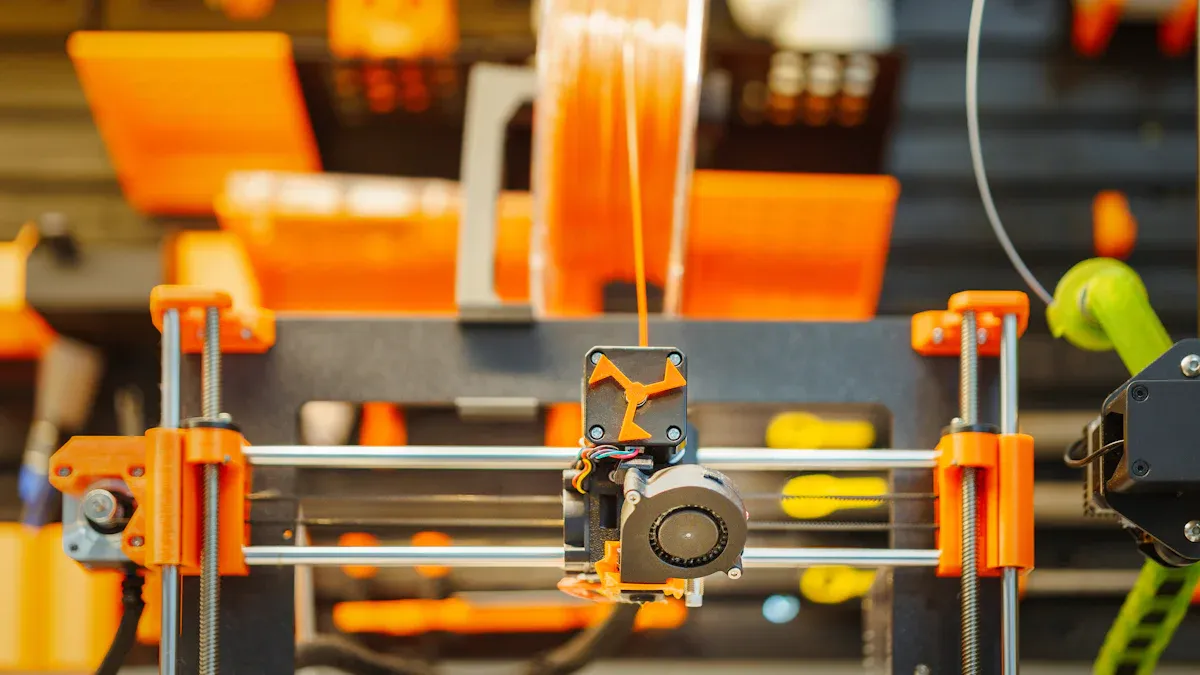
You need to store filament the right way. If filament gets wet or too hot, it can go bad. Sunlight and temperature changes also hurt filament. Bad filament makes prints look messy and wastes time. Businesses use dry boxes and air-tight containers to keep filament safe. Desiccant packs help keep filament dry. Spool holders keep filament neat and easy to grab.
- Dry boxes stop filament from getting wet.
- Air-tight containers with desiccant keep filament dry.
- Spool holders stop filament from getting tangled.
Tip: Keep filament away from sun and heat. This stops it from breaking and losing color.
Good storage saves money and keeps prints looking nice. This matters a lot for telecom operators and EPCs. They need strong parts for important jobs.
Filament Dryers
Filament dryers take water out of filament. Even a little water can ruin prints. Wet filament causes bubbles and weak spots. Dryers use heat to remove water. This keeps filament ready for lots of printing.
- Dryers are needed for PA, PVA, and TPU.
- Dry filament makes printing smoother and more accurate.
- Using a dryer means less wasted material and less downtime.
Businesses that use filament dryers have fewer problems. Their prints look better and last longer. This saves money and helps them earn more.
Adhesion Tools
Adhesion tools help prints stick to the build plate. Good sticking stops prints from moving or warping. There are different tools for different needs.
|
Adhesion Tool |
Best For |
Pros |
Cons |
|---|---|---|---|
|
Blue Painter's Tape |
PETG, PLA |
Easy to use, adds texture |
May peel on large prints |
|
Kapton Tape |
ABS, PETG |
Heat resistant, reliable |
Harder to remove prints |
|
BuildTak |
All filaments |
Strong adhesion, easy removal |
Needs temp adjustments |
|
PEI Sheets |
High-temp filaments |
Strong bonding, reusable |
N/A |
- Painter's tape and BuildTak work for most jobs.
- PEI sheets are best for hot filaments.
- Pick the right tool for your filament.
The right adhesion tool stops mistakes and helps you print more. This is important for distributors and operators. They need prints that look good every time.
Maintenance and Spare Parts
Doing regular maintenance and having spare parts helps your 3D printers work well. This stops expensive breaks and makes your machines last longer. Businesses like telecom operators and EPCs need their printers to work all the time. They print a lot and must follow strict rules from groups like IEC and IEEE. Keeping your equipment in good shape is very important.
Maintenance Kits
Every printer should have a maintenance kit. These kits help you clean, oil, and check your machines. Clean the build surface and nozzle often. Use PTFE-based lubricants or silicone grease on moving parts. Check belts and fans every month so they do not get too hot. Write down each time you do maintenance to see how your printer is doing.
- Clean the build surface and nozzle often.
- Oil rails and bearings with PTFE or silicone grease.
- Check belt tightness and clean fans every month.
- Write down all maintenance work.
Tip: Check your printers every week. Short, regular checks stop long breaks and keep your printers ready.
Nozzle Cleaning Tools
Nozzle cleaning tools help keep your prints looking good. Clean your nozzle every 50 to 100 hours of printing. This stops jams and keeps prints sharp. Use precision needles, brass brushes, and tools to remove leftover material.
|
Tool Name |
Description |
Benefits |
|---|---|---|
|
Creality 3D Printer Nozzle Cleaning Kit |
Precision tools for best nozzle cleaning |
Stops bad prints, has safe cleaning tools |
|
3D Printer Nozzle Clog Cleaning Poke |
1.6mm Stainless Steel Needle for clearing jams |
Removes melted filament easily |
Note: Clean nozzles help you stop failed prints and save material. This saves money and helps your business earn more.
Spare Parts (Nuts, Bolts, Bearings)
You should keep spare parts close by to stop long breaks. You may need to replace brackets, clips, housings, gears, knobs, and custom parts. Fasteners and bearings wear out after a while. Changing them fast keeps your printers working and saves money on repairs.
- Brackets
- Clips
- Housings
- Gears
- Knobs
- Custom parts
Brand white papers (PLP, AFL, CommScope) say good bearings can last up to 10,000 hours. Using the same fasteners makes it easier to fix things and lowers the number of parts you need. Having spare parts ready saves money and helps you keep printing.
Scenario: If a bearing breaks during a big telecom order, you can change it fast and finish on time. This helps your business stay strong and keeps your customers happy.
3D Printer Accessories like maintenance kits, nozzle cleaning tools, and spare parts help protect your machines. You have less downtime, better prints, and can print more when you need to.
Calibration and Measurement
Getting things right is important for any business using 3D printing. Calibration and measurement tools help you make sure your prints are always good. These tools help you get the same results every time. They also help you waste less material and keep your customers happy.
Calibration Devices
Calibration devices help your printers stay correct. You use them to check if the machine is lined up right. They also help you watch print settings and check part sizes. If you calibrate often, you can stop big mistakes and save time.
- Machine calibration keeps your printer working well.
- Sensors and monitors check layer thickness, speed, and heat.
- Precision tools make sure parts are the right size.
You should calibrate when you set up your printer. Do it after you fix or clean the printer. Calibrate when you use new materials. Do it on a schedule, when prints look bad, and before big jobs. This helps you keep your work good and stops problems.
|
Calibration Model |
Tests |
Difficulty |
Use Case |
|---|---|---|---|
|
XYZ 20mm Calibration Cube |
Dimensional accuracy |
Easy |
Axis alignment, measurement accuracy |
|
Temperature Tower |
Temperature tuning, adhesion |
Moderate |
Filament optimization |
|
Clearance and Tolerance Gauge |
Mechanical clearance |
Moderate |
Moving/interlocking parts |
|
3D Benchy |
Overhang, detail quality |
Moderate |
Aesthetic, overall print quality |
|
Cali-Dragon |
Detail, surface quality |
Advanced |
Decorative, complex shapes |
|
Overhang Test |
Overhang ability |
Easy |
Cooling, overhang settings |
Some devices like the Keyence VL-500 3D Scanner and VR-6000 Optical Profilometer measure with high accuracy. These tools help you meet rules for telecom, aerospace, and medical work. You can trust every part you make.
Tip: Use calibration models and scanners to find problems early. This saves you time and keeps your machines safe.
Calipers
Calipers help you measure things exactly. You use them to see if your printed parts are the right size. This helps you make sure your products are always good.
- Calipers check if parts match the design.
- Leveling the bed right stops warping.
- Setting the extruder right makes prints strong and nice.
You need calipers for every print job. They help you make parts that fit and work well. Businesses that use calipers have fewer returns and happier customers.
Note: Good measurement tools are important 3D Printer Accessories for any business that wants the best results.
Safety and Post-Processing Tools
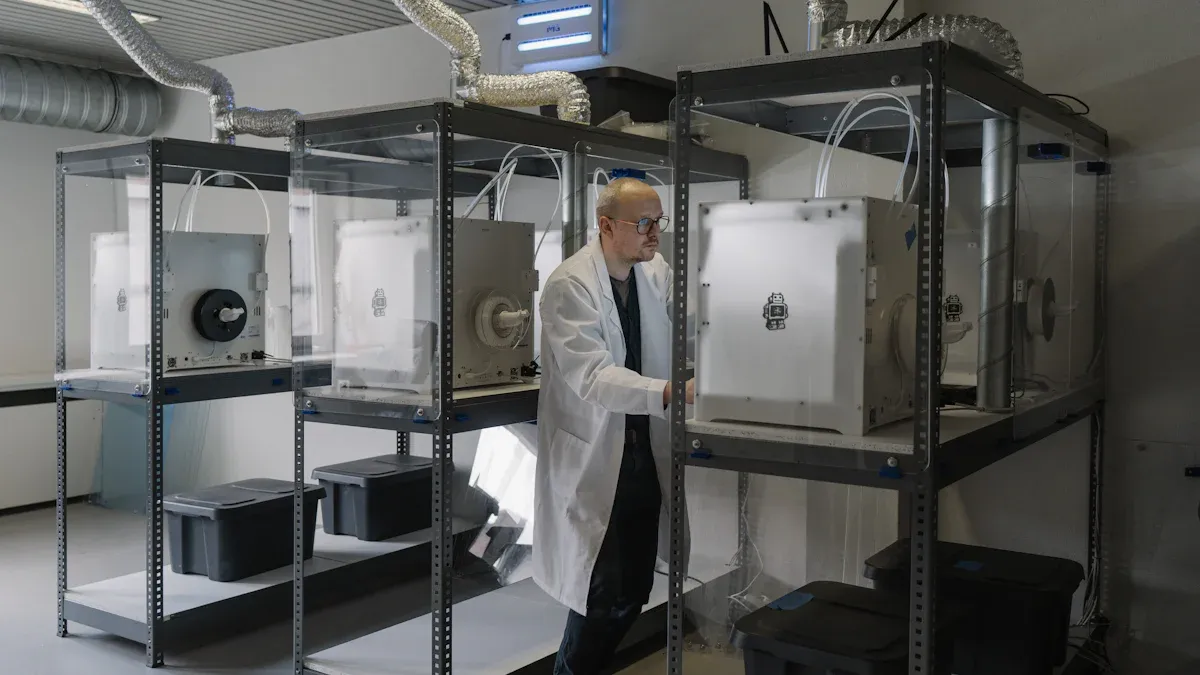
Safety Equipment
It is important to keep your team safe when using many 3D printers. Safety equipment helps lower risks and keeps work going well. Always follow safety rules and wear the right gear.
- Make a plan to manage risks for all 3D printing work.
- Use good ventilation and strong air filters to get rid of bad particles.
- Put printers in places with fresh air or connect them to outside vents. Four to six air changes each hour is good for up to four desktop printers.
- Pick enclosed printers if you can. Enclosures control emissions better than covers.
- Give your team gloves, eye protection, and masks as PPE. PPE is the first way to stop dangers.
- Stay away from printers while they are working. Do not crowd around machines that are on.
- Wash your hands after touching printers or materials.
These steps help stop injuries and keep your team healthy. You also follow industry rules and keep your business safe.
Post-Processing Tools
Post-processing tools help you finish prints and make them look better. These tools make your parts stronger and more valuable. You can pick different tools to fit your needs.
|
Tool Name |
Description |
|---|---|
|
AM Solutions C1 |
Takes off support material and resin from photopolymer parts, can be changed for quality checks. |
|
Girbau – DY 130 |
Dyes HP Multi Jet Fusion parts automatically, cuts costs by half. |
|
Joke Technology's ENESKApostprocess |
Removes powder and supports in a closed space, keeps users safe. |
|
Quill Vogue Wash Station Static |
Cleans PolyJet parts fast, works with tricky shapes. |
|
PULVERMEISTER Typ 4 |
Cleans parts and recycles powder, handles 20 liters in less than 15 minutes. |
|
Solukon SFM-AT200 |
Cleans metal parts automatically, makes post-processing up to 90% faster. |
|
Smoothit from Metalizz |
Smooths polymer surfaces automatically, good for design and making things. |
|
PostProcess DECI Duo |
Finishes surfaces and removes supports for many materials. |
|
DyeMansion DM60 |
Gives many color choices and colors parts automatically, finishes jobs in under 150 minutes. |
You should use deburring tools, spatulas, heat-set inserts, and magnets for hands-on work. These tools help you take off supports, smooth out surfaces, and put parts together. Machines like the B9Clean make cleaning faster and safer.
- Post-processing makes surfaces smoother and parts look nice.
- It makes parts stronger and helps them pass industry tests.
- Good post-processing adds value and makes your products look better.
When you buy the right 3D Printer Accessories, you work faster, have less downtime, and always get great results.
Buying 3D Printer Accessories helps you work faster and make better prints. These tools fix problems like machines breaking or needing to print more things. The right accessories help you make perfect prints and work better. Good suppliers give quick help, good warranties, and easy ways to get new parts. Look at this table to see how your business can get better:
|
Accessory |
Benefit |
|---|---|
|
Essential 3D Printer Accessories |
Make your work much easier |
Check your tools and get new ones if you need them. Doing regular checks and working with good companies keeps your business strong for a long time.
FAQ
Why do businesses need specialized 3D printer accessories?
Special 3D printer accessories help your machines work well. These tools stop problems and keep prints looking good. They also protect your machines from damage. Accessories help you follow important rules. You can give your customers good results every time.
How do 3D printer accessories reduce downtime?
Maintenance kits, spare parts, and cleaning tools help a lot. You can fix problems fast with these accessories. This means your printers do not stop for long. You finish jobs quicker and do not lose money from waiting.
What accessories help improve print quality?
Filament dryers, adhesion tools, and calibration devices help prints look better. They keep materials dry and help prints stick to the plate. Calibration tools make sure your prints are the right size. Good prints make customers happy and help you pass tests.
Are 3D printer accessories important for meeting industry standards?
Yes, you need the right accessories to follow rules. Groups like IEC and IEEE have strict rules. Calibration tools and safety gear help you meet these rules. This keeps your business safe and helps customers trust you.
How do 3D printer accessories impact long-term costs?
Buying good accessories saves you money over time. These tools help you fix machines and waste less material. Your printers last longer and work better. You get more value from your machines and stay ahead of others.