





3D Printer Table: Stable, Space-Saving, and Essential for Efficient Printing
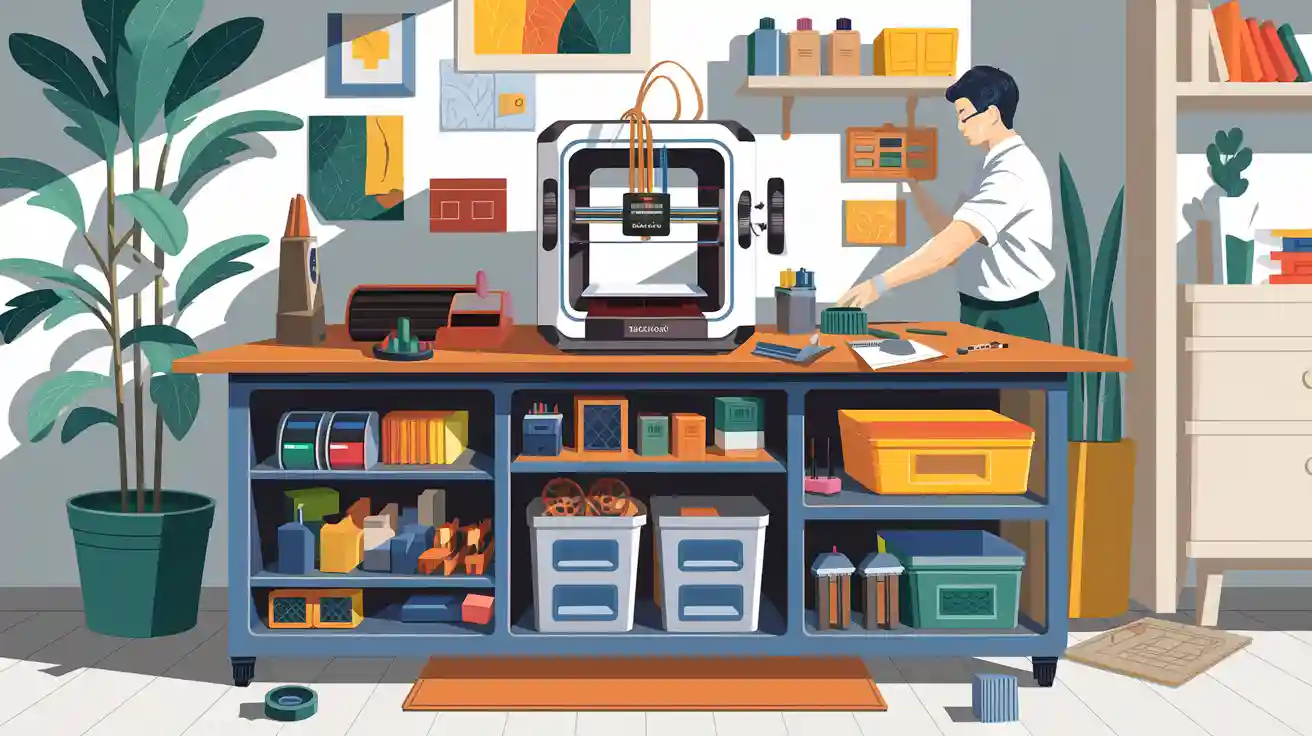
A stable 3D Printer Table gives a strong base for printing. It helps stop shaking and loud sounds. This means you have fewer failed prints and waste less material. You also save space and keep your work area neat.
B2B clients get more than just order. You see better ROI, easier growth, and less downtime when your equipment sits on strong, special tables.
Key Takeaways
- A stable 3D printer table shakes less. This helps prints look better and have fewer mistakes. You save time and use less material.
- Picking a small table gives you more space. Tables with storage help keep tools and materials neat.
- Tables that change height are easier to use. They help you work safely and feel comfortable. This makes you less tired.
- Buying a strong table keeps your printer safe. It also lowers repair costs. A sturdy table lasts a long time.
- Clean workspaces help people work together better. A neat area makes it easy to find tools and share ideas.
Stability and Print Quality
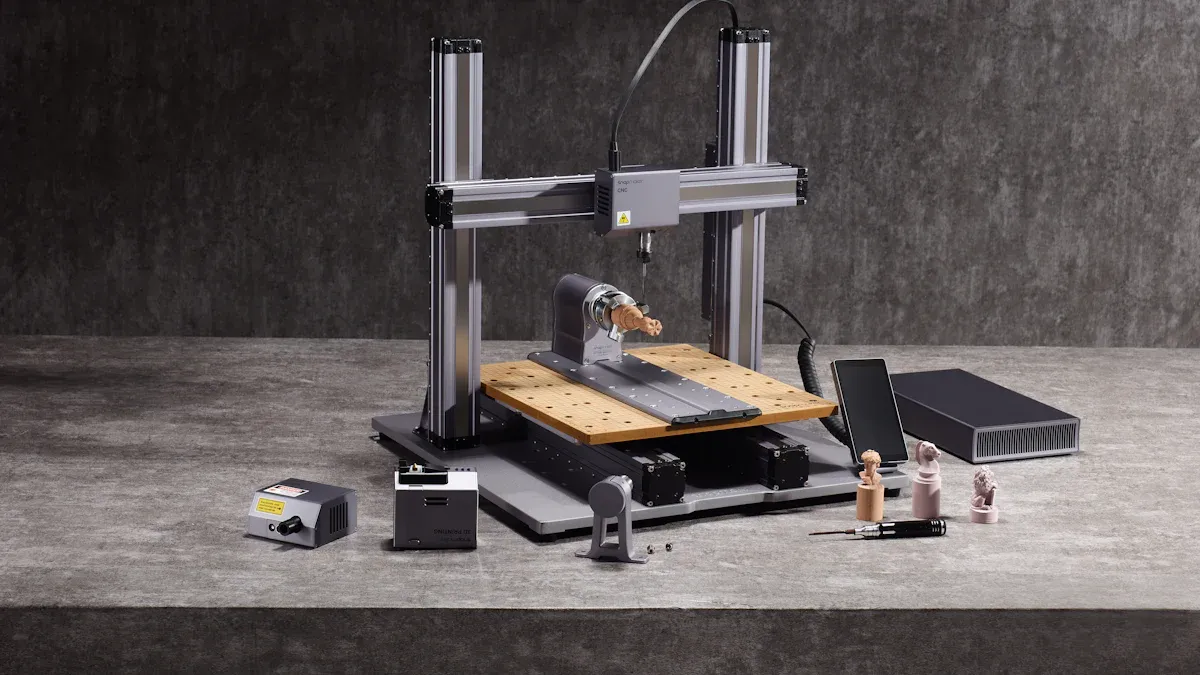
A stable 3D Printer Table gives you a strong base for printing. The table must hold your printer's weight and soak up shakes. This helps your prints look better and keeps your printer safe. If you use a table made for 3D printing, you skip problems from wobbly surfaces.
Vibration Reduction
Vibrations can mess up your prints. The printhead moves, machines nearby run, and people walk on wood floors. These things shake your printer. Small shakes cause layers to shift and ghosting. Your prints look bad when this happens. A 3D Printer Table with more weight soaks up these shakes. The heavy table changes how it moves and stops bad shaking. You get smoother prints and fewer mistakes.
Tip: Keep your 3D printer away from big machines, busy walkways, and other printers to lower vibration.
Common sources of vibration include:
Machines or appliances close by (washing machines, HVAC)
People walking on wood floors
Construction or traffic outside
Other 3D printers nearby
Preventing Print Errors
Wobbly tables cause print problems. If your table moves, edges may lift or prints won't stick. These mistakes waste time and materials. Pick a stable 3D Printer Table to stop this. A steady table keeps your printer flat and still. This is important for long prints.
|
Print Error |
Cause |
Solution |
|---|---|---|
|
Edges lifting off from the plate |
Underheated Bed |
Turn up the bed heat and try again. |
|
Unlevel Bed |
Fix the bed so it is flat. |
|
|
Lack of brim |
Add a brim in the settings before printing. |
|
|
Print doesn't stick on the plate |
Unleveled printbed |
Level the printbed using the printer's menu. |
|
Underheated printed |
Raise the bed heat and reprint. |
|
|
Object is too thin at the bottom |
Make sure the object is thick enough at the bottom. |
You get fewer mistakes with a steady table. Tests show a stable table lowers print errors from movement. This matters most for B2B clients who print for a long time and need good results.
|
Evidence |
Explanation |
|---|---|
|
A stable table reduces the chances of print errors caused by movements |
Stability cuts down shakes and moves that cause print mistakes, especially for long prints. |
Equipment Protection
Your 3D printer costs money. You want to keep it safe and working for years. A strong 3D Printer Table holds heavy printers and stops damage. In places that print a lot, a steady table means less fixing and less time wasted. You save money and get better value.
|
Benefit |
Explanation |
|---|---|
|
Minimizes vibrations |
A steady table lowers print mistakes from movement, which is key for long prints. |
|
Ensures print quality |
Stability helps prints look better, so you have fewer fails and less wasted time. |
|
Supports heavy printers |
The table must hold heavy printers so it does not break over time. |
Note: Buying a steady table saves you money on repairs and keeps your work moving.
Space-Saving 3D Printer Table Solutions

Compact Design
You need a table that fits your space and holds your printer. Small tables help you use all the space in your office or lab. Many tables are strong and can hold a lot of weight. You do not have to give up strength for size. You can pick steel workbenches, stands with wheels, or tables that change height. These choices hold heavy printers and keep your area tidy.
|
Model Description |
Dimensions |
Weight Capacity |
|---|---|---|
|
Sturdy steel workbench with wooden surface |
N/A |
500 lbs (evenly distributed), 60 lbs (drawers) |
|
Printer stand with wheels |
N/A |
100 lbs (top shelf), 50 lbs (bottom shelves) |
|
Adjustable height workbench |
N/A |
1,000 lbs |
|
Customizable 2x4 Basics workbench |
N/A |
1,000 lbs |
Tip: Pick a table with wheels if you need to move your printer to other rooms.
Storage Efficiency
A good table gives you room for tools, filament, and parts. You can use shelves, drawers, and pegboards to keep things neat. This helps you find what you need fast. In small offices, a three-level table lets you store things without using more space. Pegboards and hooks hold tools, and drawers with dividers keep small items sorted.
- Space-saving tables help you keep your area neat.
- Three-level tables let you store tools and materials well.
- Wheels and locks make tables easy to use in busy places.
- Pegboards and hooks let you set up tool storage your way.
- Drawers with dividers help you sort small things and find them fast.
Industrial users need even more storage space. Some tables can hold up to 40 filament spools, so you do not run out during big jobs. Pegboard holders keep up to 12 spools ready to use. Big drawers and open shelves help you sort tools and show off finished prints.
|
Feature |
Description |
|---|---|
|
Filament Storage Capacity |
Holds up to 40 filament spools for industrial operations. |
|
Pegboard Filament Holder |
Four spool hooks for up to 12 filament spools, easy access. |
|
Diverse Storage Layout |
Roomy drawers and open shelves for tools and 3D-printed creations. |
Workspace Organization
You work better when your space is tidy. Special tables help you keep printing away from other jobs. In maker spaces, these tables help people work together. You see more teamwork and sharing. Teachers and students can work as a group, and everyone knows where tools are. This setup helps people be creative and learn by doing.
- You work with others more when your space is tidy.
- Sharing tools and supplies gets easier.
- Your team can be more creative and try new ideas.
Application scenarios for B2B users:
|
User Type |
Space-Saving Benefit |
Storage Efficiency |
Workspace Organization |
|---|---|---|---|
|
Telecom Operator |
Fits in network labs, easy to move between sites |
Stores cables, tools, and spare parts |
Keeps equipment separate from office tasks |
|
EPC Contractor |
Compact tables for project sites, quick setup |
Holds project materials and documentation |
Organizes workflow for multiple teams |
|
Distributor |
Modular tables for showrooms, flexible layout |
Displays products and samples, stores inventory |
Streamlines customer demos and training |
Note: You get more value and lower repair risks when you pick a table that fits your space and how you work.
Efficient Printing Workflow
A good workspace helps you print faster and safer. The right table can change your work each day. You get to your printer easily. There is less noise. Your team stays safe.
Accessibility
You need to reach your printer and tools fast. Special tables make this simple. You can change the height and move shelves. Everything stays close to you. This saves time and stops mistakes. Regular desks do not have these features. You might have trouble reaching tools or moving your printer. This slows you down and causes errors.
- The desk you pick changes print quality and speed.
- Printer speed, size, and vibration control help your prints.
- A safe setup helps your printer last longer.
- Special tables cut down vibration and keep prints sharp.
- Regular desks may shake and ruin prints or waste material.
Tip: Pick a table with adjustable height. This helps you work without hurting yourself.
Noise Reduction
Printing can be loud, especially in busy places. A steady table lowers noise by stopping shakes. Your workspace gets quieter and nicer. In offices or labs, less noise means you focus better.
|
Feature |
Benefit |
|---|---|
|
Steady table lowers print mistakes |
Less movement means less noise and fewer stops. |
|
Sound-dampening table |
Quieter space, great for shared rooms. |
Safety
Safety is important for every print job. A special 3D Printer Table gives a strong, steady base. You avoid accidents like tipping or dropping printers. Many tables let you change the height. You work at a safe level and avoid hurting yourself. Cables and tools stay neat, so you do not trip or fall.
|
Feature |
Benefit |
|---|---|
|
Stability |
Fewer mistakes, safer for long prints. |
|
Vibration dampening |
Keeps prints steady, lowers accident risk. |
|
Adjustable height |
Lets you work safely and comfortably, lowers injury risk. |
Note: A safe and tidy workspace helps your team do better and lose less time.
Choosing Your 3D Printer Table

Key Features
When you pick a 3D Printer Table, look for things that help with stability, storage, and upgrades. The right table holds your printer and helps your team do better work. Here is a simple chart of important features:
|
Feature |
Description |
|---|---|
|
Stability and Anti-Vibration |
Strong frames and special feet help stop shaking and print mistakes. |
|
Storage Solutions |
Shelves, drawers, and spool holders keep tools and filament in order. |
|
Power Integration & Cable Mgmt |
Built-in power strips and cable holders keep cords neat and make things safer. |
|
Size & Weight Capacity |
Big, strong tables hold heavy printers and let you add more later. |
|
Modular Design |
You can change or move parts to fit new printers or needs. |
Tip: Pick tables made from steel or solid wood. These materials soak up shakes and last longer than light tables.
Selection Tips
You need a table that fits your printer and your space. Use these tips to help you choose:
Measure your printer's size. Make sure the table is at least 24" x 24" for most printers.
Check how much weight the table can hold. It must hold your printer, its parts, and any cover.
Choose a table with cross bars or strong legs. Do not use thin or open frames that shake when printing.
Put rubber mats or special feet under your printer for more steadiness.
If you want to upgrade later, get a table you can change or add to.
Setup Advice
Put your table in a spot with enough room and easy power. Remember these steps:
- Set the table on a flat, even floor so your printer stays lined up.
- Leave space around your printer for fixing it and for air to move.
- Keep filament and tools close by using shelves or pegboards.
- Use a strong cart if you need to move your printer to other rooms.
- Keep cords neat with built-in holders or clips.
Note: Picking the right table helps you make fewer mistakes, saves time, and helps your business grow.
A strong and small 3D Printer Table helps you make fewer mistakes. It also keeps your work area neat. You get better prints and your printer works more often. Your equipment is worth more. B2B clients get steady printing and work goes smoother.
- Sit-stand desks let you change how you sit or stand. This helps you feel less tired and more comfortable when printing for a long time.
- Good posture lets you check prints easily and keeps you safe.
- Make your setup better to work faster and keep your printer safe.
FAQ
Why do you need a dedicated 3D Printer Table?
A special 3D Printer Table keeps your printer steady. It helps stop shaking and lowers vibration. This means your prints look better and have fewer mistakes. Your workspace stays neat and tidy. Businesses have fewer repairs and make more money.
Why does table stability matter for 3D printing?
A stable table keeps your printer from moving. This stops print problems caused by shaking. Your printer stays safe and works well. Stable tables help you get good results every time. This is very important for companies.
Why choose a space-saving 3D Printer Table for your business?
Space-saving tables help you fit more things in less space. You can keep tools and materials nearby. This makes work faster and easier. It helps your team do more in busy places like offices or labs.
Why is workflow efficiency important for B2B 3D printing?
Working efficiently saves time and money. You reach your printer and tools quickly. Your team stays safe and makes fewer mistakes. Businesses get more done and lose less time. This helps them earn more over time.