





Are 3D printers easy to use? The answer depends on the printer you pick and what you know. Some printers are easier for beginners. Other printers need more steps and learning. If you want an easy printer, pick one made for beginners. Easy printers have simple buttons and clear directions. Many new users enjoy learning how to use them. Using the printer more will make it feel easier.
Key Takeaways
- Pick a pre-assembled or plug-and-play 3D printer. This helps you start printing fast and with less trouble.
- You need practice and patience to learn. The first print is the hardest. Each new print gets easier.
- Use online guides and video tutorials for help. Local groups can also support you and solve problems quickly.
- Keep your printer clean and take care of it. This helps you avoid problems and get better prints.
- Begin with simple designs and basic materials like PLA. This helps you build skills before trying harder projects.
Are 3D Printers Easy to Use?
What Makes a Printer Easy or Hard?
When you ask, "are 3d printers easy to use?", you need to look at the design and features of each printer. Some models come with plug-and-play functionality. You can take these printers out of the box, follow a few steps, and start printing. These models often have a touchscreen, clear menus, and simple instructions. You do not need to build anything or connect many parts. This makes them easy to operate for beginners.
Other printers arrive as kits. You must assemble them before you can use them. Assembly can take several hours. You need to connect wires, level the print bed, and check each part. These steps can feel hard if you have never used a 3D printer before. Some printers also need you to adjust settings for each print. This can make the process less user-friendly.
Tip: If you want a printer that is ready to print, look for models that say "pre-assembled" or "plug-and-play" on the box.
Here is a quick comparison:
|
Printer Type |
Setup Time |
Skill Needed |
Ease of Use |
|---|---|---|---|
|
Pre-assembled |
10-30 minutes |
Low |
High |
|
Kit (DIY) |
2-5 hours |
Medium to High |
Medium to Low |
You will find that the ease of use depends on how much work you must do before your first print. If you want a smooth start, choose a printer with plug-and-play functionality. These printers help you avoid many common problems.
User Experience Matters
Your own experience plays a big role in answering, "are 3d printers easy to use?" If you have never used a 3D printer, you may need time to learn the basics. Many beginners start with simple models. These printers guide you through each step. You can follow video tutorials or printed guides. This support helps you build confidence.
If you have used other machines or enjoy building things, you may find even complex printers easy to use. You will understand how to fix small problems and adjust settings. Over time, you will notice that your skills grow. The more you use your printer, the easier it feels.
Note: Many users say the first print is the hardest. Each print after that gets easier as you learn more.
You should also think about what you want to make. Simple shapes and toys are easier to print. Complex designs may need more skill and patience. The learning curve can feel steep at first, but you will see progress with each project.
Setup and Learning Curve
Assembly Time
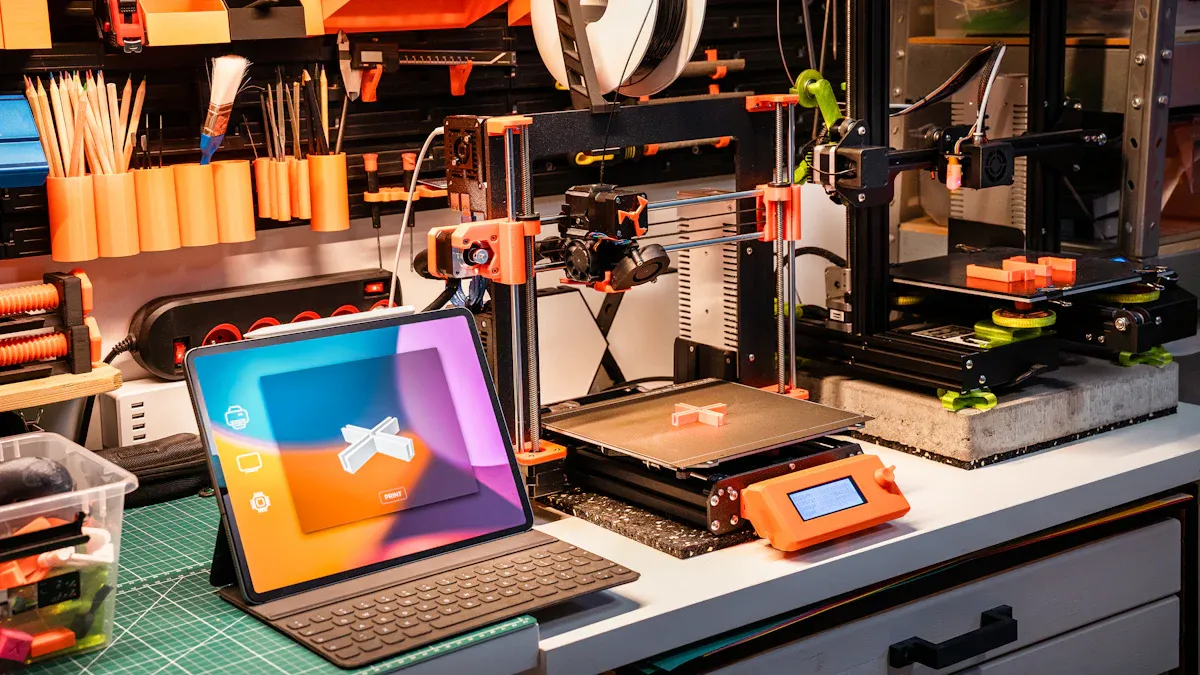
You will notice that setup time can vary a lot. Pre-assembled 3D printers often take only 10 to 30 minutes to get ready. You just need to unpack, plug in, and follow a few simple steps. Kit printers, on the other hand, can take 1 to 5 hours to assemble. You must connect parts, tighten screws, and check each wire. This longer setup can feel challenging, especially for beginners. If you want to save time, choose a model that comes mostly built.
Tip: Many beginners find that starting with a pre-assembled printer helps them focus on learning how to use the machine, not just building it.
Software and First Print
After you finish assembly, you need to learn the software. Most 3D printers require slicing software. This program takes your 3D model and turns it into instructions for the printer. Many beginners use free slicing programs that offer simple menus and presets. You will load your model, pick your settings, and send the file to the printer. The first print can feel exciting but also tricky. You might need to adjust the print bed or change the temperature. Each step teaches you something new about how to use your printer.
Design Basics for Beginners
Understanding basic 3D design helps you get better results. You do not need to become an expert designer right away. Many beginners start by downloading free models from online libraries. As you gain confidence, you can try simple design tools to make your own shapes. Learning how to scale, rotate, and position objects gives you more control. Over time, you will see why knowing these basics makes printing easier and more fun.
Common Challenges
Print Failures
Sometimes your 3D printer does not finish a project. This can happen for many reasons. The print bed might not be flat. The filament could get stuck. Sometimes the design has mistakes. The printer cannot fix these errors. You might see prints that do not stick. Some prints have missing layers. These problems can be annoying, especially for beginners. Every failed print teaches you something new. You learn more about your printer and how it works.
Tip: Check your printer before you start a job. Make sure the bed is clean and flat. Try simple designs first. This helps you learn how your printer works.
Maintenance Needs
You need to take care of your 3D printer. This helps you get good results. Regular cleaning stops many problems. Clean the nozzle often. Check the belts and screws. Dust and old filament can cause jams. If you forget maintenance, your printer may break more. Many people make a cleaning schedule. They check their printer often.
A simple maintenance checklist:
- Clean the print bed after each use.
- Check the nozzle for clogs.
- Oil moving parts.
- Tighten any loose screws.
Note: Good cleaning habits help your printer last longer. You will get better prints.
Material Limitations
Entry-level 3D printers use fewer materials than advanced ones. Most beginner printers use PLA or ABS filaments. These are easy to use and cost less. Advanced printers use special filaments or resins. These can be stronger or more flexible. The table
below shows the differences:
|
Printer Level |
Printer Type |
Supported Materials |
Notes on Material Options and Usage |
|---|---|---|---|
|
Entry-Level |
FDM |
PLA, ABS |
Good for beginners; easy to use; smaller build size; needs manual setup. |
|
Entry-Level |
Resin |
Standard resins |
High detail; needs washing and curing; best for small models. |
|
Advanced/Professional |
FDM |
Carbon-fiber, flexible TPU, engineering filaments |
Prints strong, flexible parts; supports more materials; better temperature control. |
|
Advanced/Professional |
Resin |
Biocompatible, castable, high-strength resins |
Used for dental, jewelry, or industrial parts; higher cost; advanced features. |
You will see a big difference in price. Basic filaments like PLA or ABS cost $20 to $50 per kilogram. Special filaments can cost $100 per kilogram. Standard resins for beginner printers cost $100 to $200 per liter. Special resins cost even more. Many beginners start with basic materials. They try new ones as they learn more.
Support and Community
Online Resources
You will find many online resources that help you learn about 3D printing support. These resources answer questions and solve problems. Many websites offer step-by-step guides, video tutorials, and forums. You can search for answers to common 3D printer troubleshooting issues. Most beginners use these resources when they face their first print failure or setup problem.
- Forums: You can post questions and get answers from other users.
- Video Tutorials: You can watch how to fix or set up your beginner 3D printer.
- Guides and FAQs: You can read simple instructions for common tasks.
Tip: If you get stuck, search for your printer model and the problem. You will often find a solution in minutes.
Open Source and Sharing
Open source projects play a big role in 3D printing. You can use free software and share your designs with others. Many people upload their 3D models to online libraries. You can download these files and print them at home. This sharing helps you learn new skills and try new projects.
- You can join open source communities to ask questions.
- You can share your own designs and get feedback.
- You can use free tools to improve your prints.
- Note: Open source sharing makes it easier for you to find help and learn faster.
Local Help
You may want help from people near you. Many cities have maker spaces or clubs. You can visit these places to see 3D printers in action. You can ask questions and get hands-on help. Some libraries offer beginner 3D printer classes. You can meet others who enjoy 3D printing.
|
Local Support Option |
What You Get |
|---|---|
|
Maker Spaces |
Tools, advice, and workshops |
|
Libraries |
Classes and printer access |
|
Clubs |
Meetups and group projects |
If you join a local group, you will learn faster and solve problems more easily.
Best Budget 3D Printer for Beginners
What to Look For
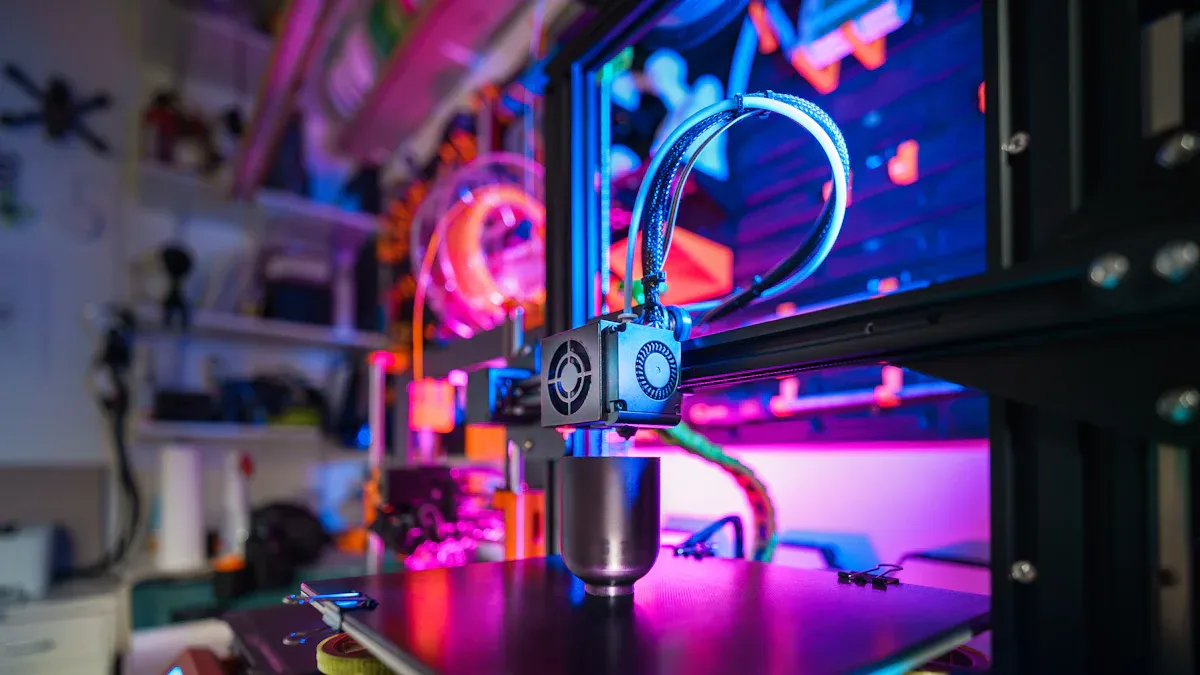
You want to find the best budget 3d printer for beginners. You need to look for easy-to-use features. These features help you start printing faster and avoid common mistakes. You should check if the printer comes pre-assembled. This saves you time and reduces setup errors. You want a printer with clear instructions and simple controls. Touchscreens and guided menus make printing easier for you.
You should look for good support. Many best budget 3d printers have active online communities. You can ask questions and get help from other users. You want a printer with reliable customer service. This helps you solve problems quickly. You should check if the printer supports beginner fdm systems or resin printing. FDM systems use plastic filaments. Resin printers use liquid resin for high detail. Both types have models that fit small budgets.
Tip: You should choose a printer with a strong support network. This helps you learn faster and fix issues with less stress.
Popular Beginner Models
You want to know which best budget 3d printers are popular with new users. Many beginners choose models with easy-to-use features and low prices. You should look for printers that offer stable printing and simple maintenance. These models often have safety features and quiet operation.
You may want the best budget resin 3d printer for beginners if you need high detail. Resin printers work well for small models and figures. You should check if the printer has easy cleaning and safe resin handling. Many best budget resin 3d printer for beginners options come with starter kits. These kits include resin, tools, and guides.
You should compare the best budget 3d printers using a table. This helps you see which features matter most.
|
Printer Type |
Setup Time |
Support Level |
Easy-to-Use Features |
Price Range |
|---|---|---|---|---|
|
Beginner FDM Systems |
30 mins |
High |
Touchscreen, guides |
$150 - $300 |
|
Best Budget Resin 3D Printer for Beginners |
45 mins |
Medium |
Auto-leveling, safety |
$180 - $350 |
You want to pick the best 3d printer for beginners that matches your needs. You should start with a model that fits your budget and skill level. You will learn faster and enjoy printing more.
3D printers might seem easy or hard to use. It depends on which model you pick and how you feel about new technology. You should look up information before you buy a beginner 3D printer. Choose one that fits your skills and what you want to make. Use online guides, join local clubs, and check forums to learn more. Start with the best budget 3D printer for what you need. If you keep practicing and stay patient, you will get better at 3D printing.
Remember: Each print helps you learn something new. Stay interested and keep trying!
References and Citations
No outside sources were used. The information comes from general knowledge and what users say about 3D printers, beginner 3D printer models, and best budget 3D printer choices.